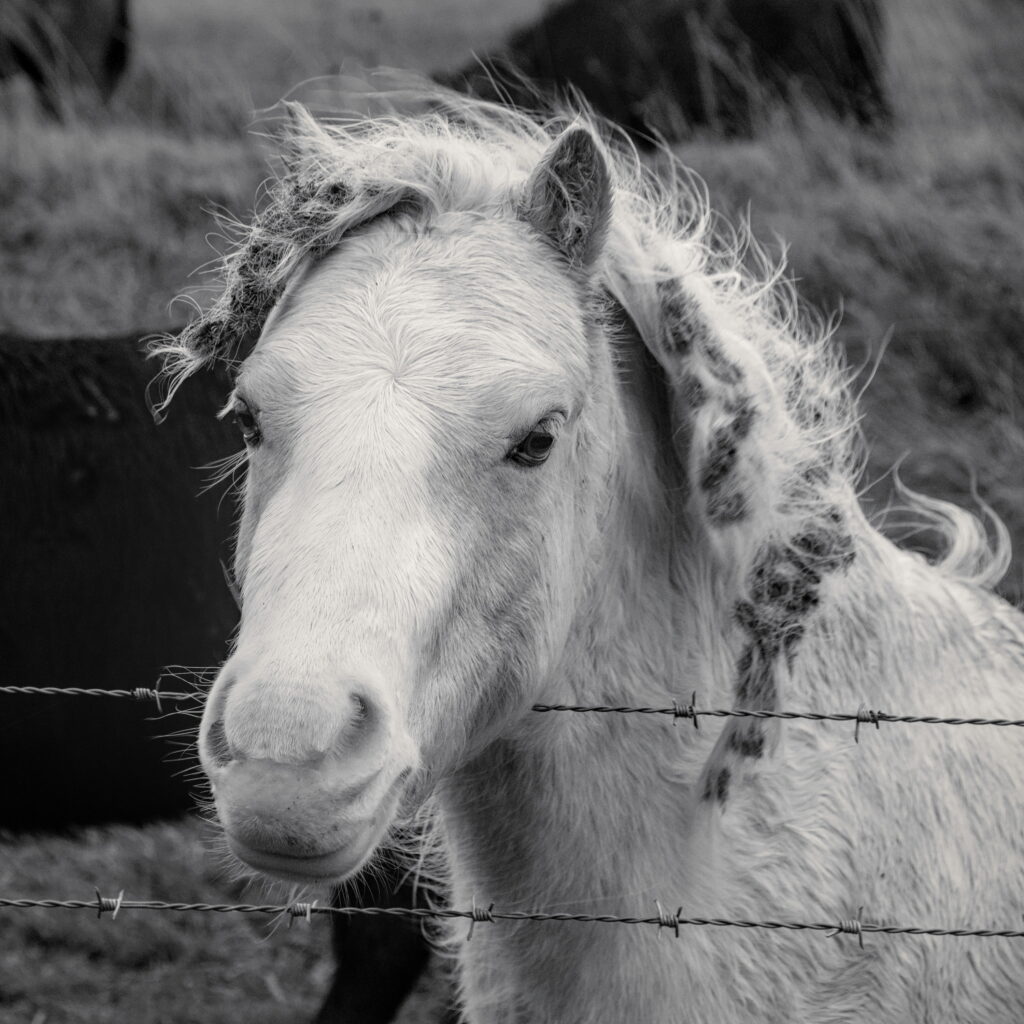
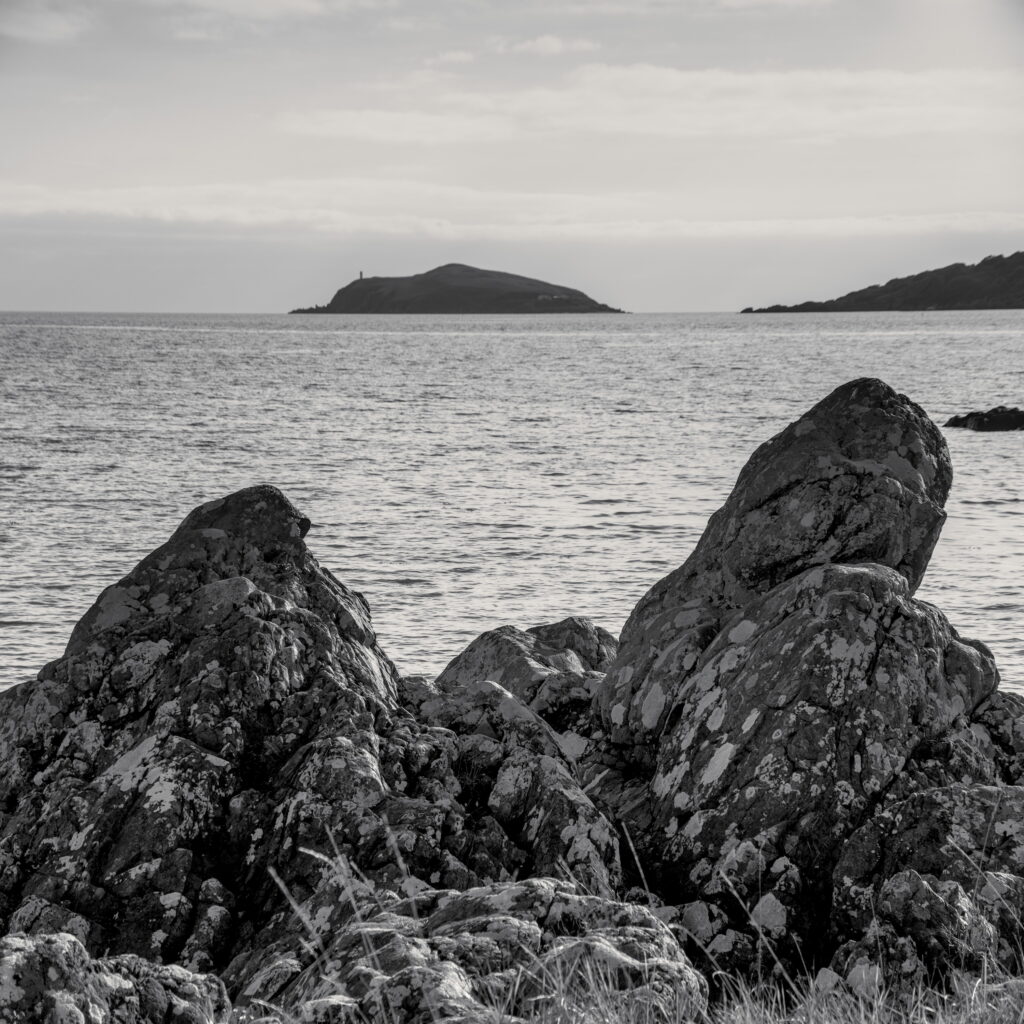
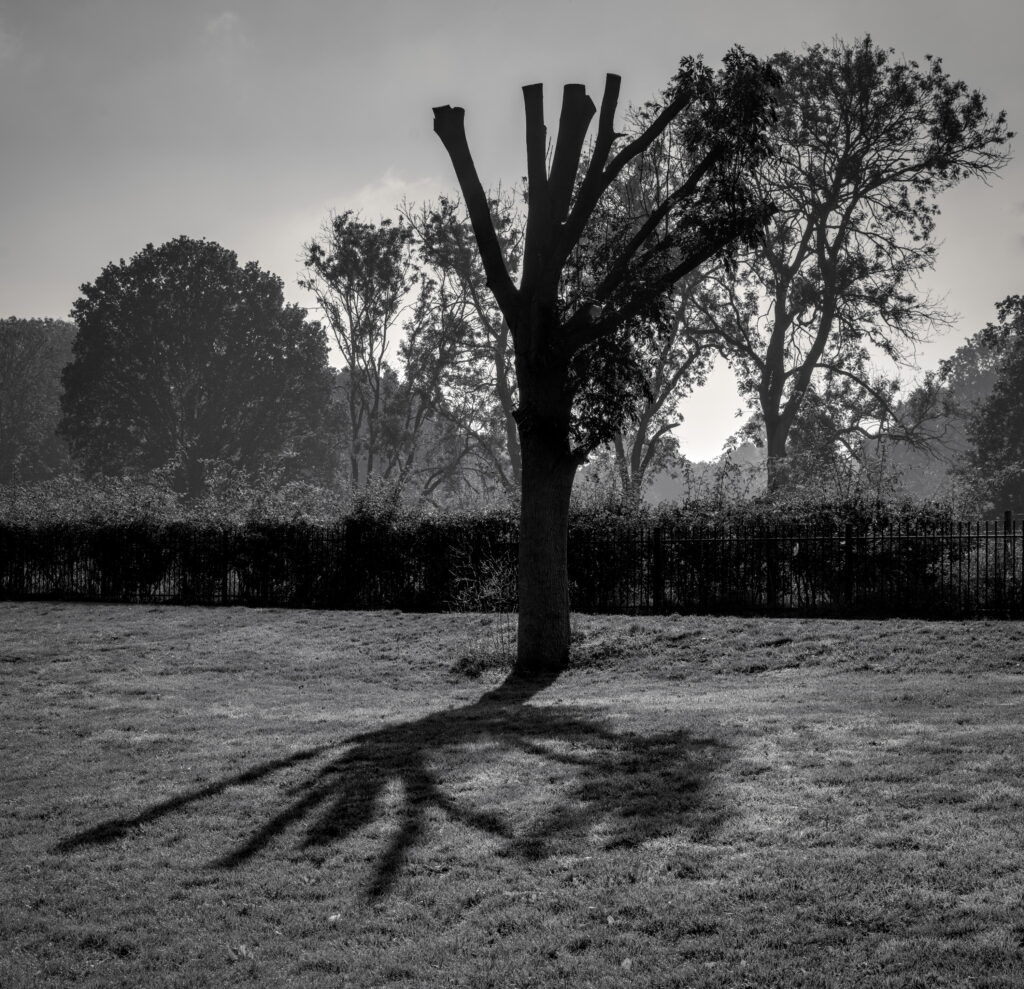
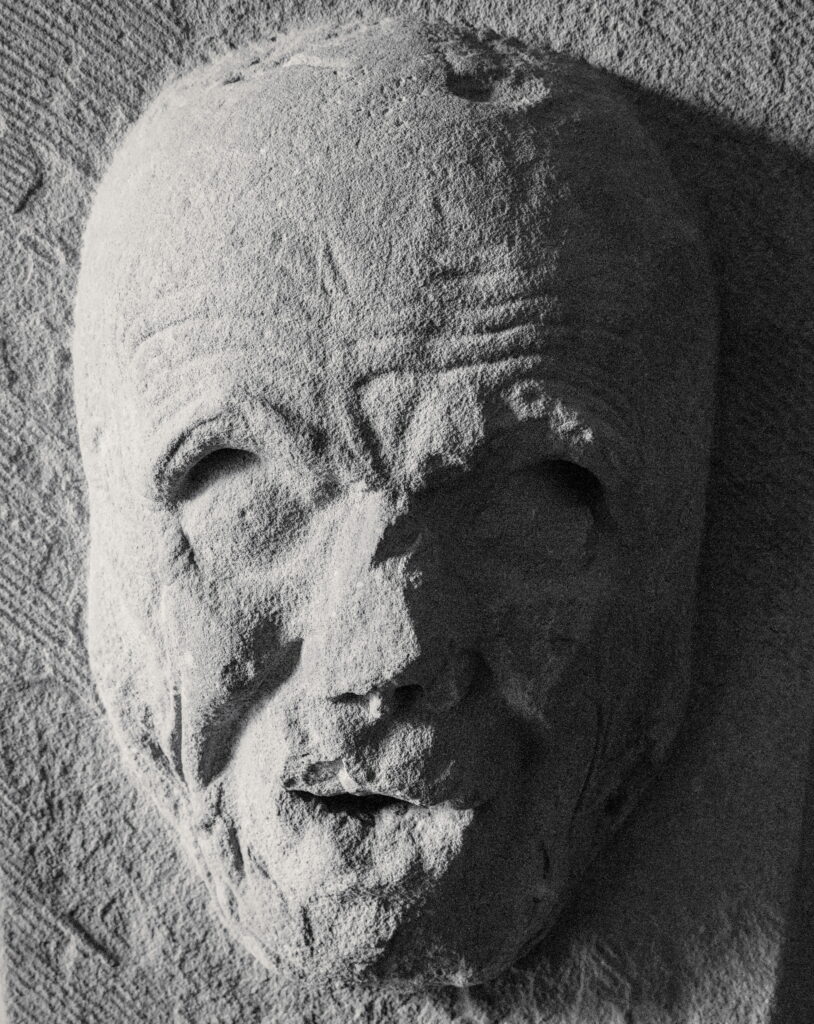
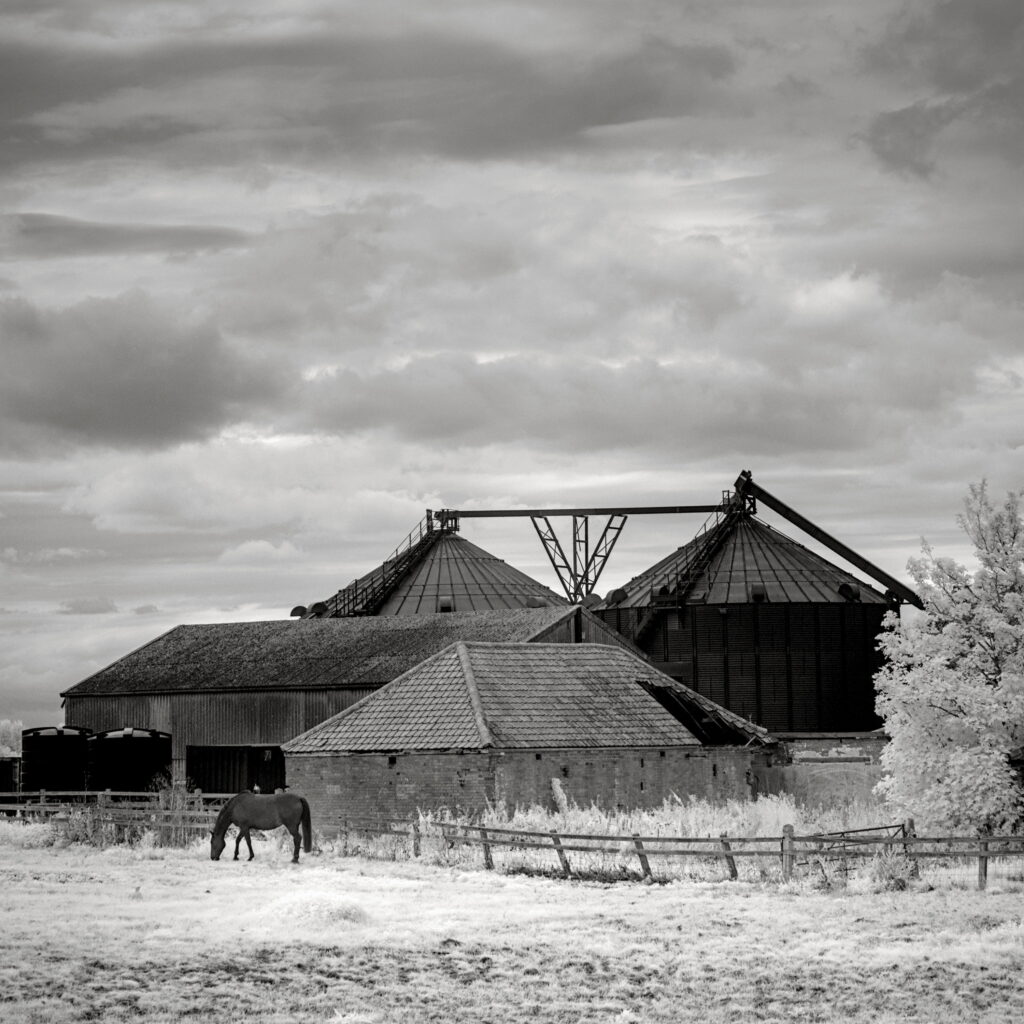
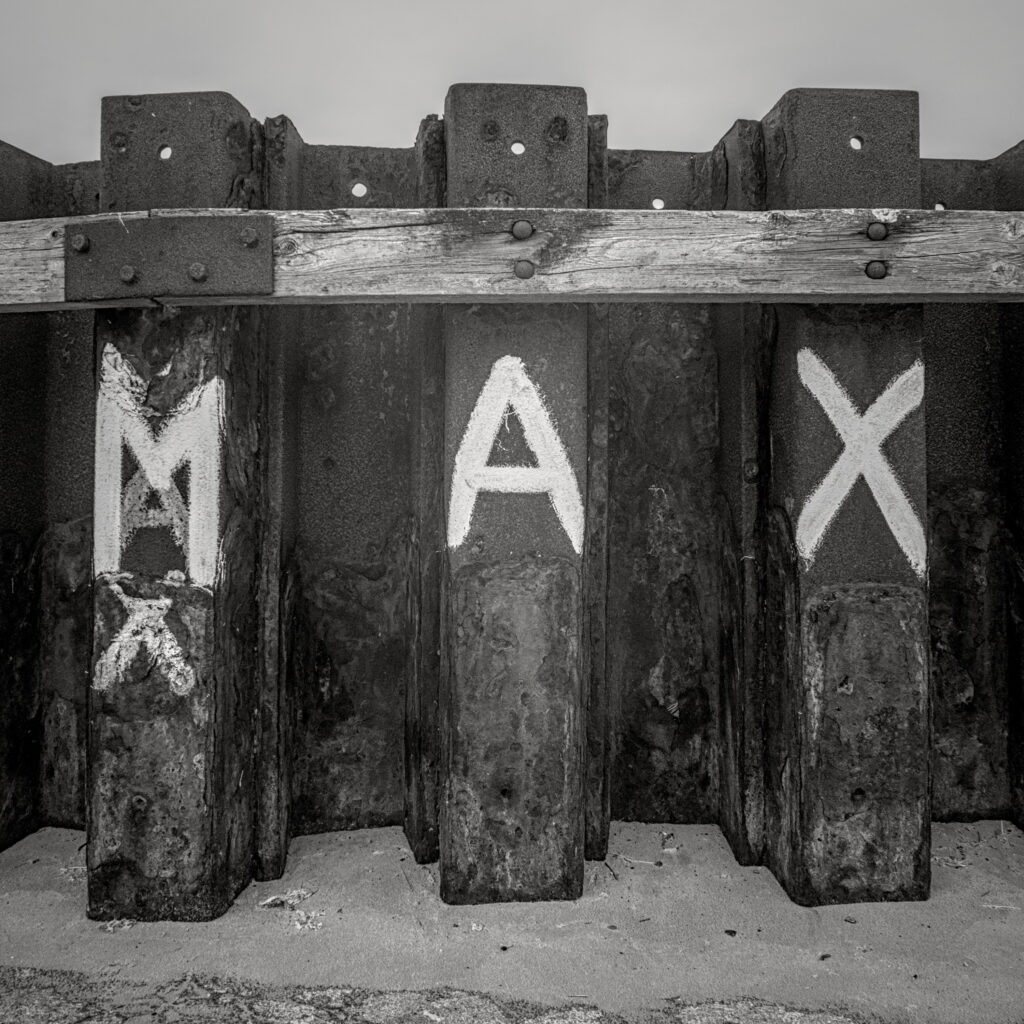
A selection of my own B&W pictures
Today’s meeting was scheduled to be a session split between a presentation on the work of a group of Norwegian photographers and a further tutorial on photo editing with simple, free software.
Unfortunately, due to illness, the Norwegian photographers have been postponed to a future meeting, but fortunately Steve stood up to the plate and extended his tutorial. Thanks, Steve for filling in so effectively!
Steve started his tutorial looking at the basic features of an entry level free editing program that ships with Windows, called Windows Photos.
He demonstrated, using a mix of his own images and public domain images, how the various sliders affect the overall look of an image.
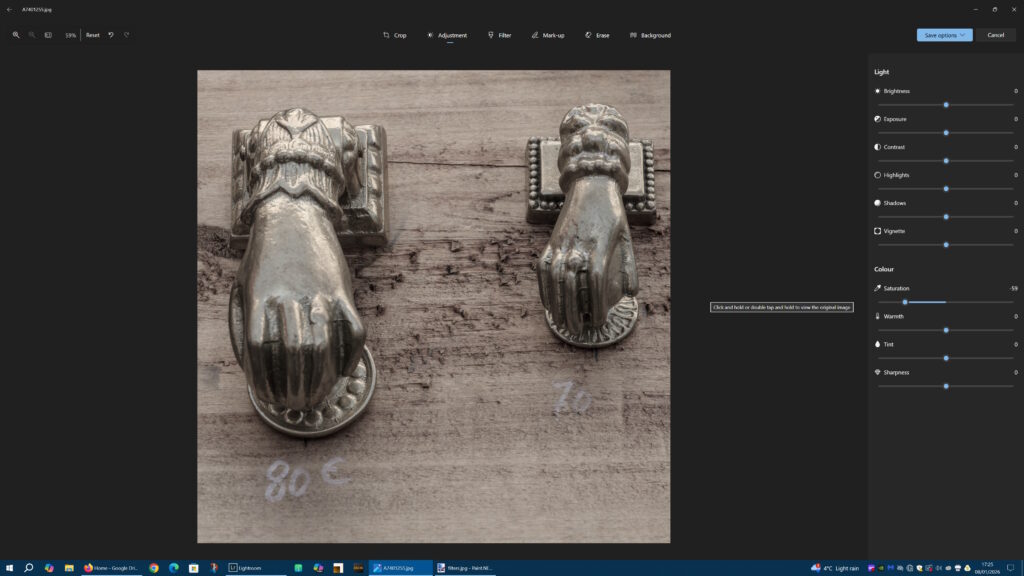
He focused particularly on how easy it is to edit an image using the built in filters and presets that can impart an instant look to an image with a single click. He went on to demonstrate how the presets can be used to provide a starting point to get you going, then the manual sliders can be used in conjunction with the presets to allow you to tweak the result to your artistic intent.
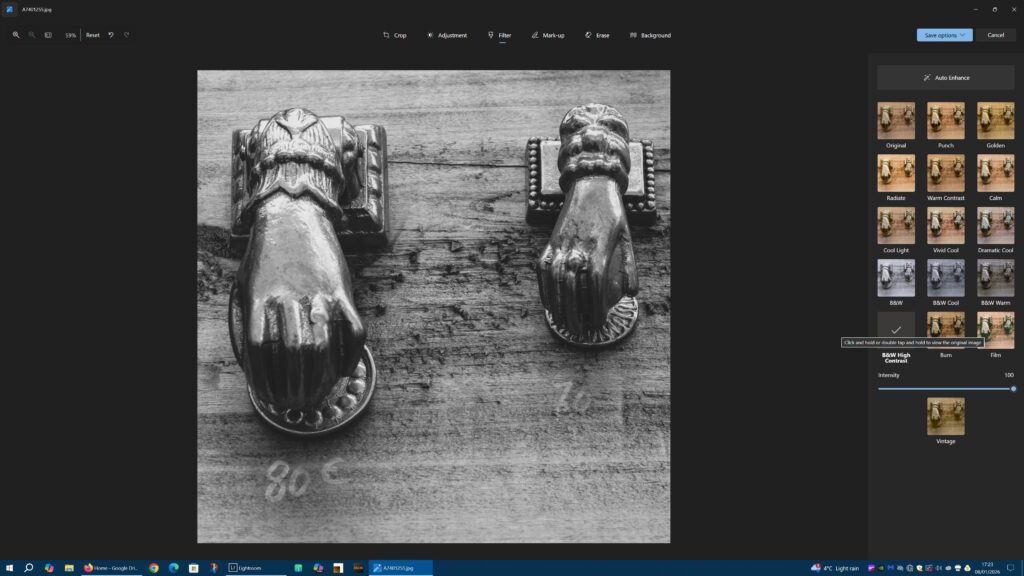
These built in presets and the simple slider based editing features of programs like Photo provide an excellent starting point for anyone dipping a toe into photo editing. They are so easy and obvious to use, yet provide considerable power as long as you don’t need more advanced features such as selections and masks to do local adjustments (dodging and burning). We can get a surprisingly long way with these simple tools. And they show that no one should be nervous about adding photo editing skills to their workflow – these programs really are easy to use, no matter your experience level and computer expertise.
Later, Steve moved on to how we can use these tools to create black and white images. A timely lesson, as the topic for our next Zoom image critique session is B&W/monochrome photographs. Steve showed us how we can start the B&W conversion using the presets to apply various effects such as simulating filters and different levels of contrast.
We also took some time to look at the work of a number of well known B&W photographers, starting with Ansel Adams (of course!), looking at their approaches to B&W and how we might consider using their work as inspiration for our own B&W images.
Finally, Steve finished up by taking a look and giving a brief tour of the new free version of Affinity, a much more advanced editor, to give us a flavour of the trade-off between entry-level and advanced editing software capabilities and complexity.
Thanks again, Steve, for managing the whole session and for your insight and guidance. Hopefully it encouraged those sitting on the fence about learning photo editing to dive right in.
Next meeting
Our next meeting will be a Zoom photo critique session on member submissions on the topic of B&W/monochrome photography. Members will be submitting a single finished B&W images plus have the option to submit the unedited colour original for comparison and the opportunity to talk through their thinking and the techniques used to arrive at the B&W final edit.
Interested in joining us?
More information in this previous article