Meeting report
Today the U2a Bromley photo-editing subgroup met on zoom, excellently led by Steve as usual.
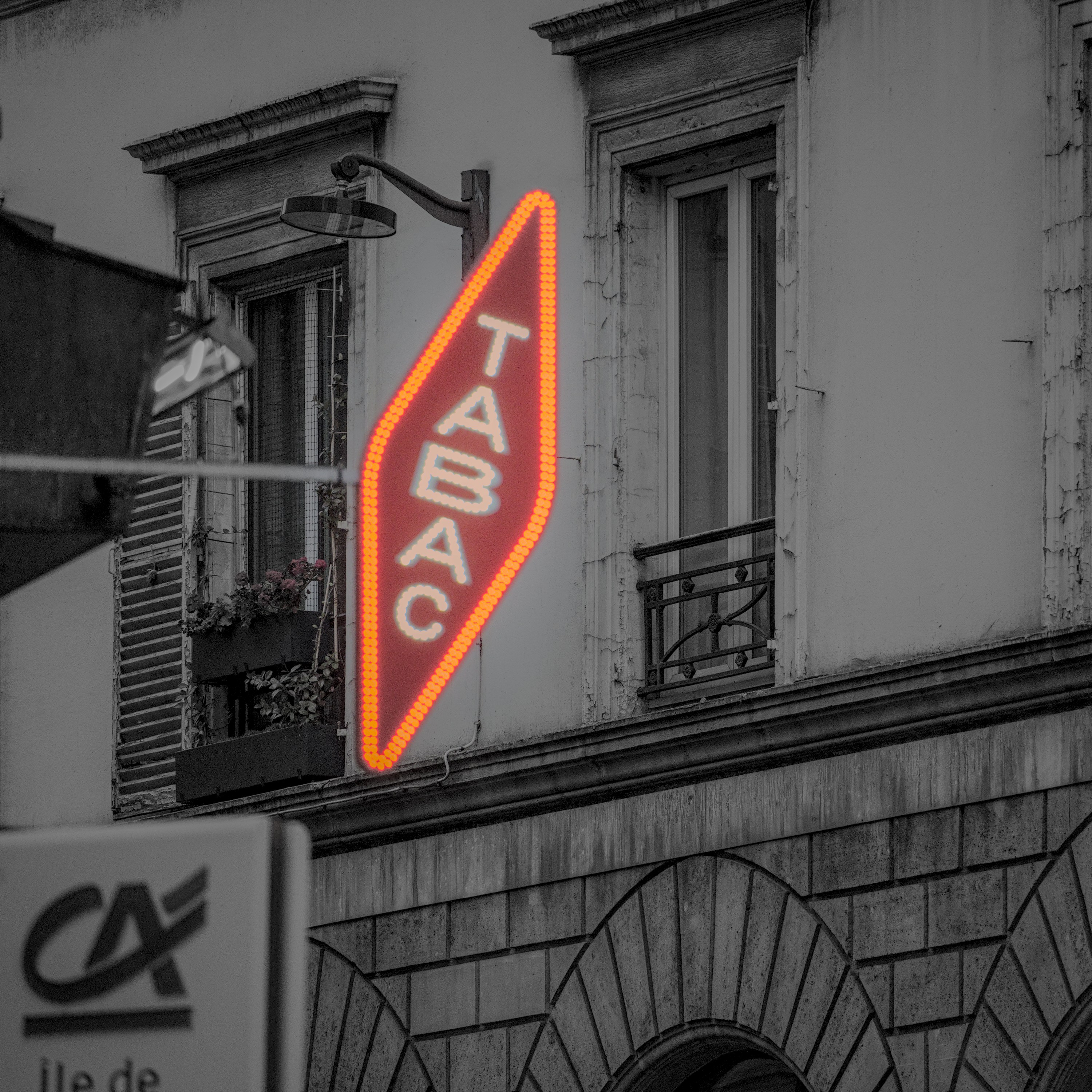
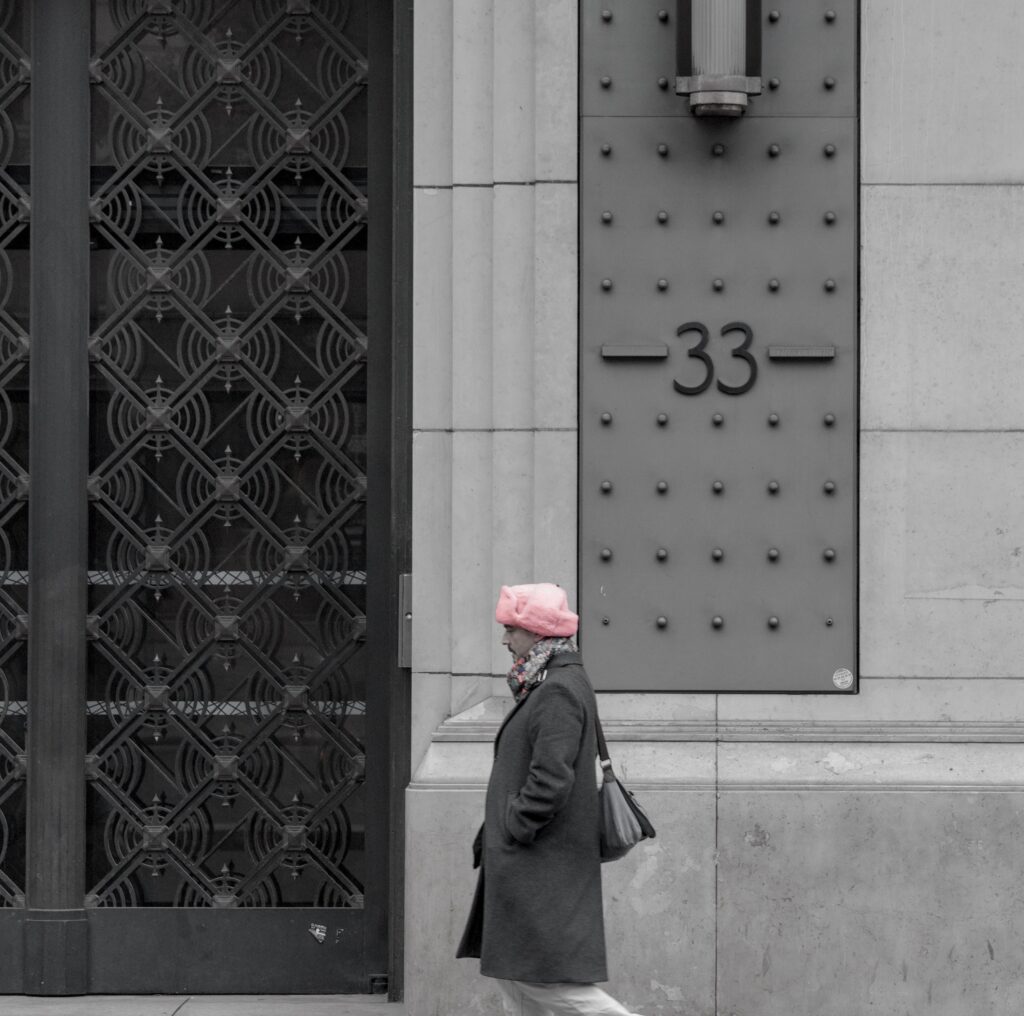
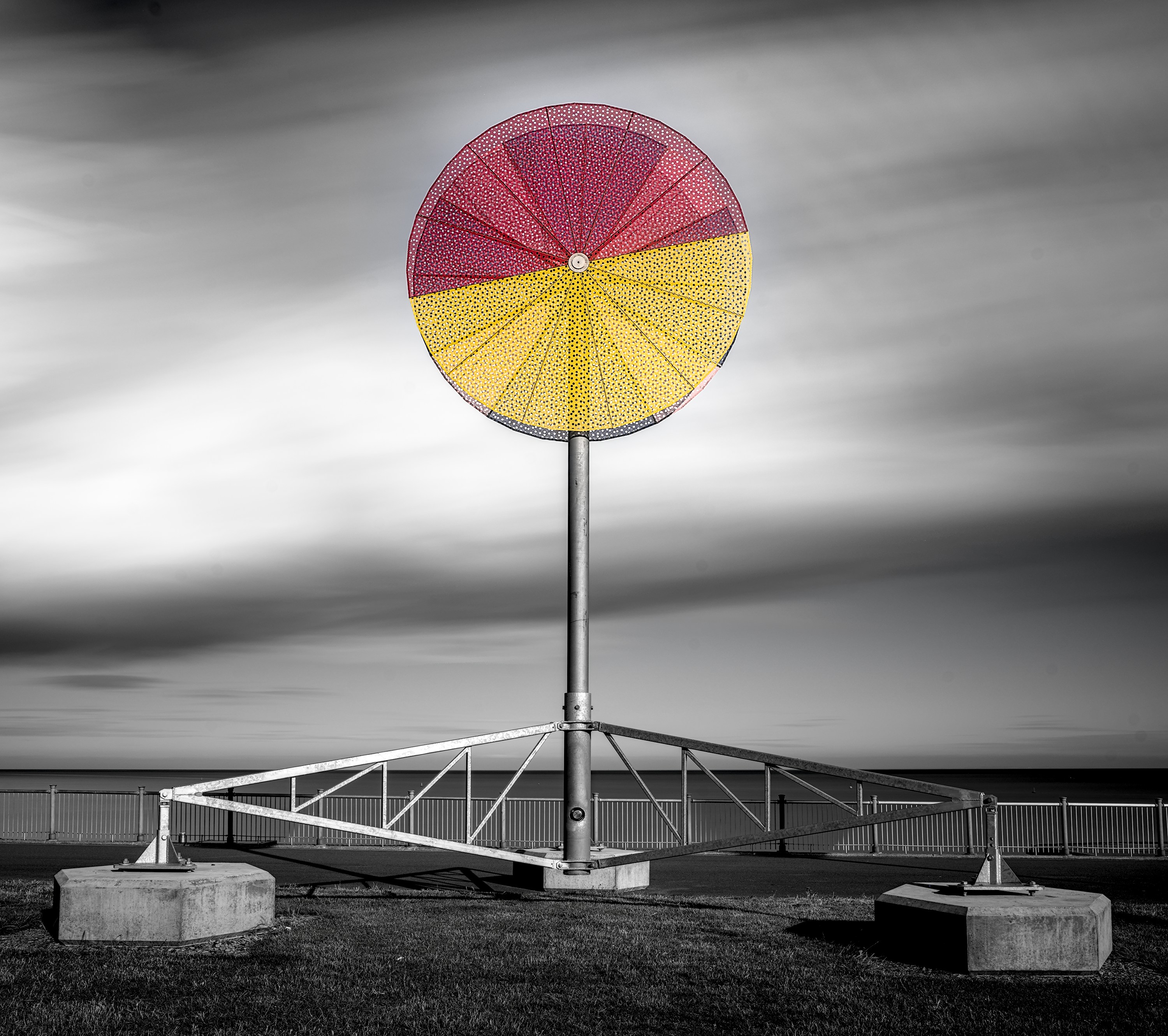
The homework for this week’s session was the “photo-pop” (also known as selective colour) technique where we convert an image mostly to black & white but leave one small area in colour for impact. Steve had previously circulated instructions on how to do this and a number of members had had a go and shared examples. We saw a good selection of effective images and enjoyed exploring the wide range of possible approaches. Of course, as there often is with photo editing, there are many ways of achieving the same effect, but Steve reassured members that they were not expected to learn and remember 57 ways of doing this – the key is to choose a technique that works for you and your choice of editing software and practise.
After the break we switched gears to the wider subject of exposure, the value of the histogram, both on the camera and in the software, and the use of the levels tool to manage tonal range and avoid shadow and highlight clipping.
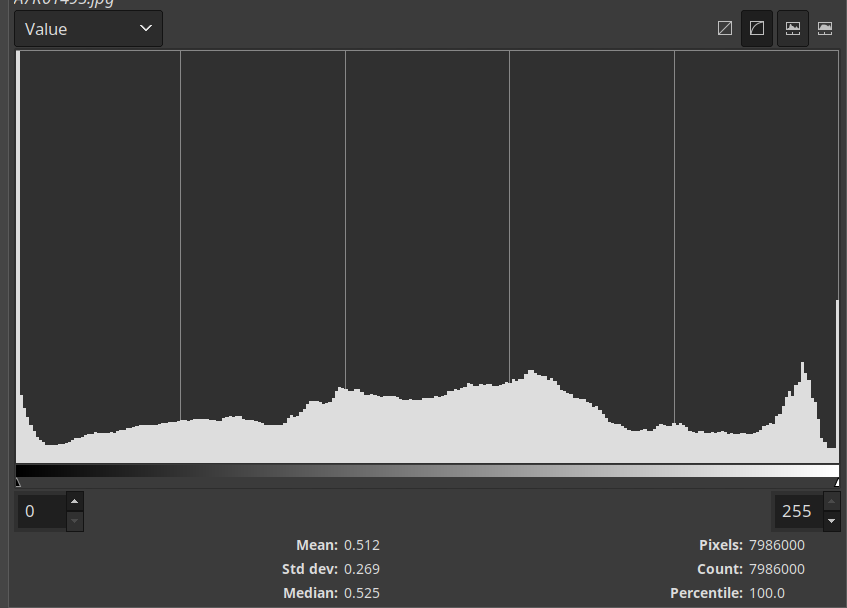
Steve started by demonstrating the histogram tool, explaining what it meant and why it is useful at the point of pressing the button to get exposure right and during editing to fine tune tones. We looked carefully at how the critical shadow and highlight extremes of the histogram provide us with good clues as to the choice of exposure settings. We considered how histograms are calculated on the basis of jpegs and how the use of raw format provides more flexibility and often a little hidden headroom that the histogram might not show. Sometimes the extra raw headroom means we can recover detail that isn’t immediately apparent on the jpeg-based histogram.
Then we moved on to the levels tool and demonstrated how by moving the highlight and shadow markers it was possible to expand the tonal range of a dull, greyish image to improve contrast and tones while keeping a close eye on the histogram and clipping indicators to ensure we didn’t push the extreme values into clipping.
We ended the session with a general discussion about how we wanted to manage the photo editing curriculum going forward, what techniques we will cover next and how we might integrate these sessions with the work of the wider group. We also considered how we can move as individuals from the theory to practical mastery of these techniques in our everyday photography.
Our sessions are editing software-agnostic and we try and make sure that you will be able to apply the lessons in whatever software is your editor of choice.
About the group
Our u3a Bromley photo group differs from most camera clubs in that we focus on sharing, enjoying and appreciating images in a non-competitive environment – no competitions! For anyone in the Bromley area who is interested in finding out more about the group, I’ll be posting articles here about the group.
Interested in joining us?
More information about our activities is available on our u3a official site page, including details of how to contact our group leader and book yourself in for free taster sessions: https://www.u3abromley.org.uk/activities-camera_club.html or you email Norman directly on normskiu3a@gmail.com.
More information in this previous article https://whisperingcat.co.uk/wp/article/u3a-bromley-photography-group/
Next meeting
Our next meeting will be a Zoom photo critique session on member submissions.
Leave a Reply